1. R Fundamentals
1.1. Introduction to R
1.1.5. R Help and Documentation
Below is an enhanced, easy-to-scan guide to R’s extensive help system. Where useful, concise bullet points add context without overwhelming detail.
1. R’s Built-in Help System
R provides an extensive array of help files and documentation. While comprehensive, the documentation can initially seem intimidating since it often assumes some prior knowledge of R. As you become more familiar with R's syntax and conventions, these help resources will become increasingly valuable. R documentation pages share a universal structure:
- Description – one-sentence overview
- Usage – exact function call with all arguments
- Arguments – bullet list explaining every parameter
- Details – deeper technical notes (often terse)
- Value – what the function returns
- Examples – runnable code
- See Also – links to related tools
Quick demo:
?mean          # opens the page for mean()
example(mean)  # runs the examples section
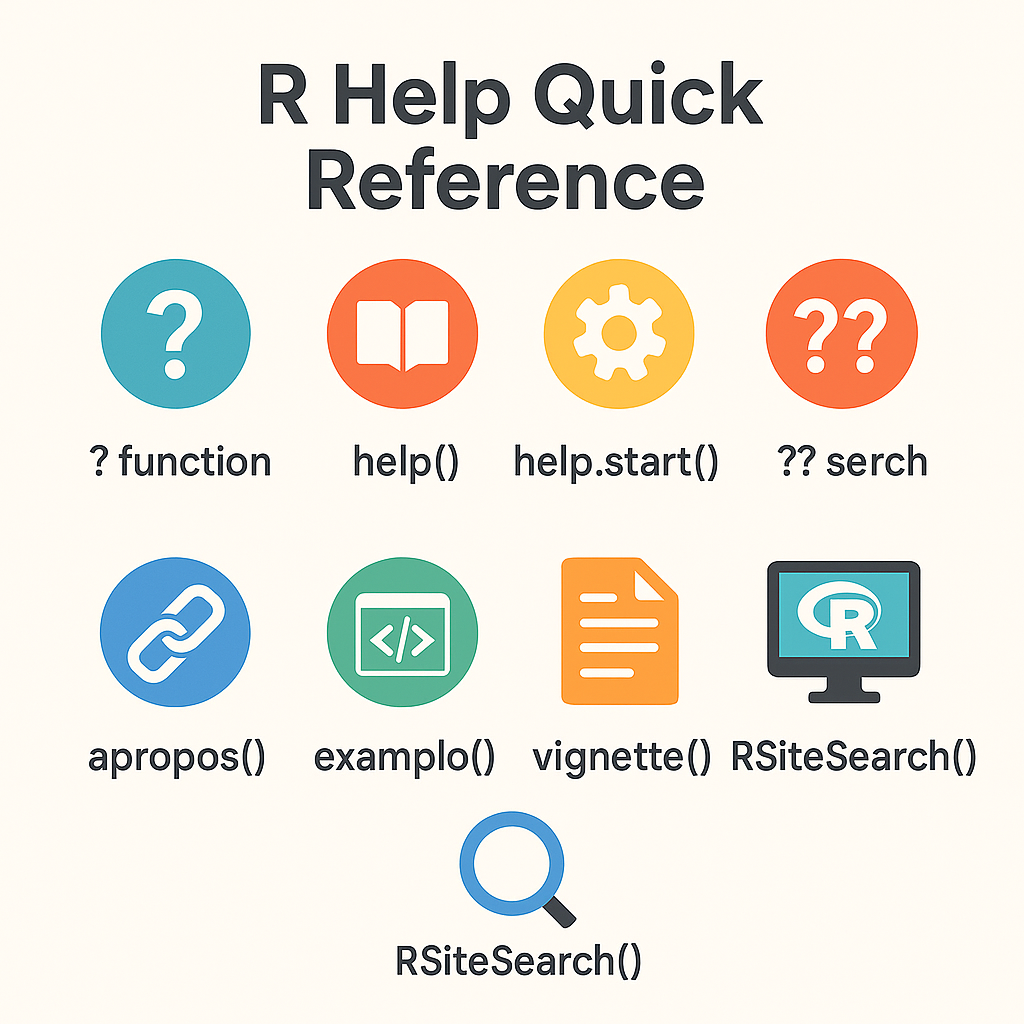
2. Essential Help Commands
| Task | Command | Notes |
|---|---|---|
| Open help page | help(mean) or ?mean |
Quotes required for operators: help("+") |
| Browse all docs | help.start() |
Launches searchable HTML index |
| Fuzzy search | help.search("average") or ??average |
Scans installed packages |
| OS-independent search | RSiteSearch("time series") |
Uses online engine |
3. Interactive Features in RStudio
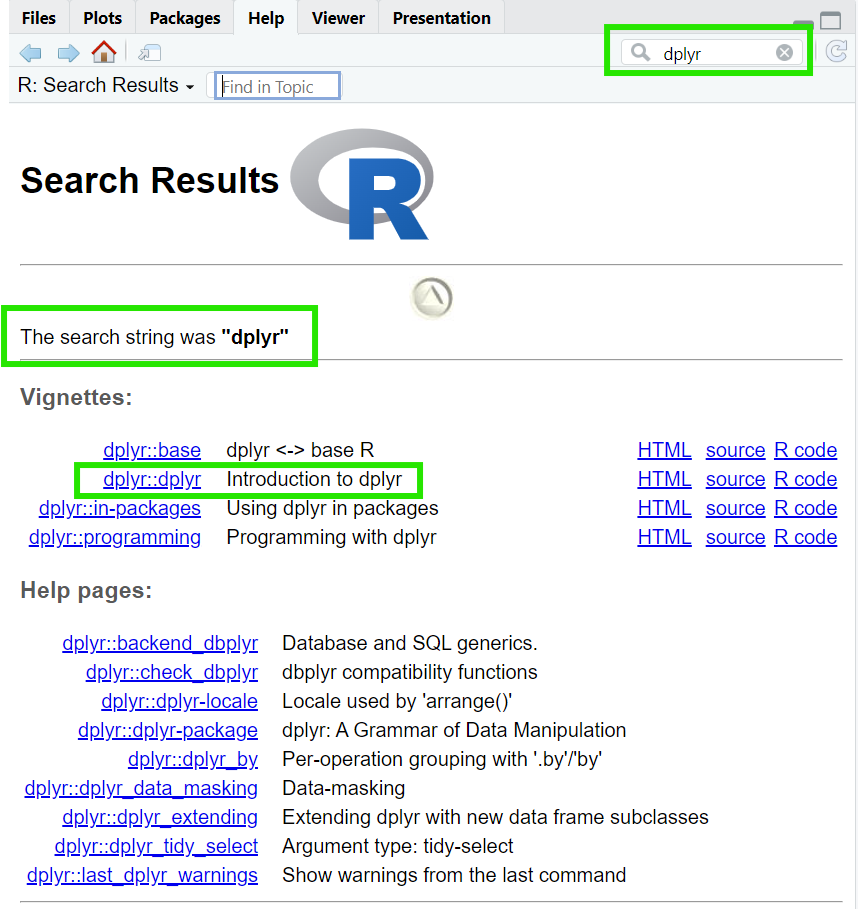
- Bottom-right Help pane shows docs without leaving the IDE.
- Type a function name plus
(to view its arguments tooltip. - Press Tab for auto-completion and quick dataset lookup.
4. Running Embedded Examples
Every help file ends with code you can execute safely in a fresh session:
example(mean)  # Builds a regression and plots results

# Output will look like:
# mean> x <- c(0:10, 50)
# mean> xm <- mean(x)
# mean> c(xm, mean(x, trim = 0.10))
# [1] 8.75 5.50
Tip: rerun examples when a package updates to spot changes in defaults.
5. Exploring Packages and Datasets
help(package = "dplyr")   # index of all dplyr help pages
library(help = "stats")   # same idea for base 'stats'
browseVignettes("ggplot2")  # open HTML list of long-form tutorials
Dataset docs behave exactly like functions:
?mtcars
head(mtcars)
6. Advanced Discovery Tools
- apropos("plot") – list objects whose names contain “plot”
- find("median") – show which environment holds an object
- available.packages() – grep titles to locate new libraries
- vignette(all = TRUE) – see every tutorial shipped with installed packages
7. Creating Reproducible Help Requests
When asking on Stack Overflow or R-help:
library(reprex)

reprex({
  x <- c(1, 2, NA, 4)
  mean(x)            # returns NA
  mean(x, na.rm=TRUE)
})
The output is copied to clipboard, ready for posting.
8. Package Vignettes in Depth
Why use vignettes?
- Provide narrative walkthroughs (not just syntax)
- Render to HTML/PDF automatically during
R CMD build - Live inside the vignettes/ folder so they travel with the package
Common commands:
vignette("dplyr")           # open main vignette
vignette(package = "sf")    # list spatial data tutorials
browseVignettes(all = FALSE) # only attached packages
9. External Documentation & Communities
- Official manuals – FAQs, language definition, “R Internals”
- RDocumentation.org – searchable mirror of CRAN pages
- RStudio Community & Stack Overflow (
tag) – rapid peer support - Mailing lists – long-running archive of authoritative answers
10. Troubleshooting Workflow
sessionInfo()           # capture platform + package versions
options(error = recover) # interactive post-mortem
traceback()             # view call stack after an error
getOption("warn")       # 0 = default, 1 = print, 2 = treat as error
If a function is masked by another package, qualify it:
stats::filter() # vs. dplyr::filter()
11. Keyboard Shortcuts Recap (RStudio)
| Action | Win/Linux | macOS |
|---|---|---|
| Focus Console | Ctrl + 2 | Cmd + 2 |
| Run line/selection | Ctrl + Enter | Cmd + Enter |
| Show arguments | Tab inside () |
Same |
| Comment block | Ctrl + Shift + C | Cmd + Shift + C |
These speed keys reduce friction when bouncing between code, help, and plots.